Amplitude Detuning Analysis
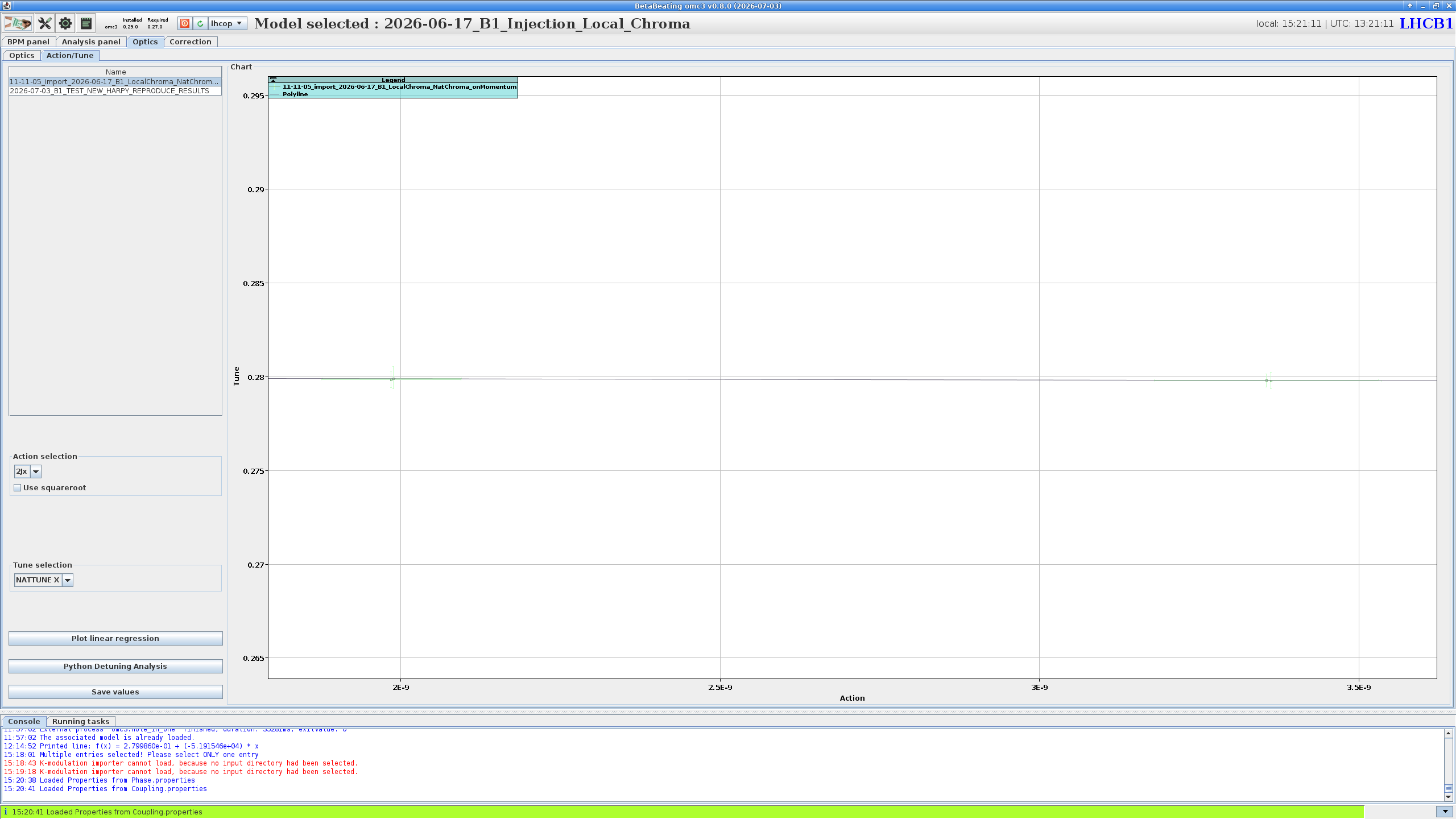
Accessing amplitude detuning is done via the Optics panel, by navigating to the Action/Tune tab.
In this tab are shown the measured tune against the action for the selected optics result(s).
The controls on the left select the action (e.g. 2Jx) and tune (e.g. NATTUNE X) to use, a linear fit can be drawn with Plot linear regression, and the full analysis is launched with the Python Detuning Analysis button.
Incomplete
This page is a placeholder and is yet to be fully written. For now, please refer to the analysis section of the Amplitude Detuning procedure page, which includes a step by step guide and screenshots.